
Essential Tips for Troubleshooting Surge Protection in Miami
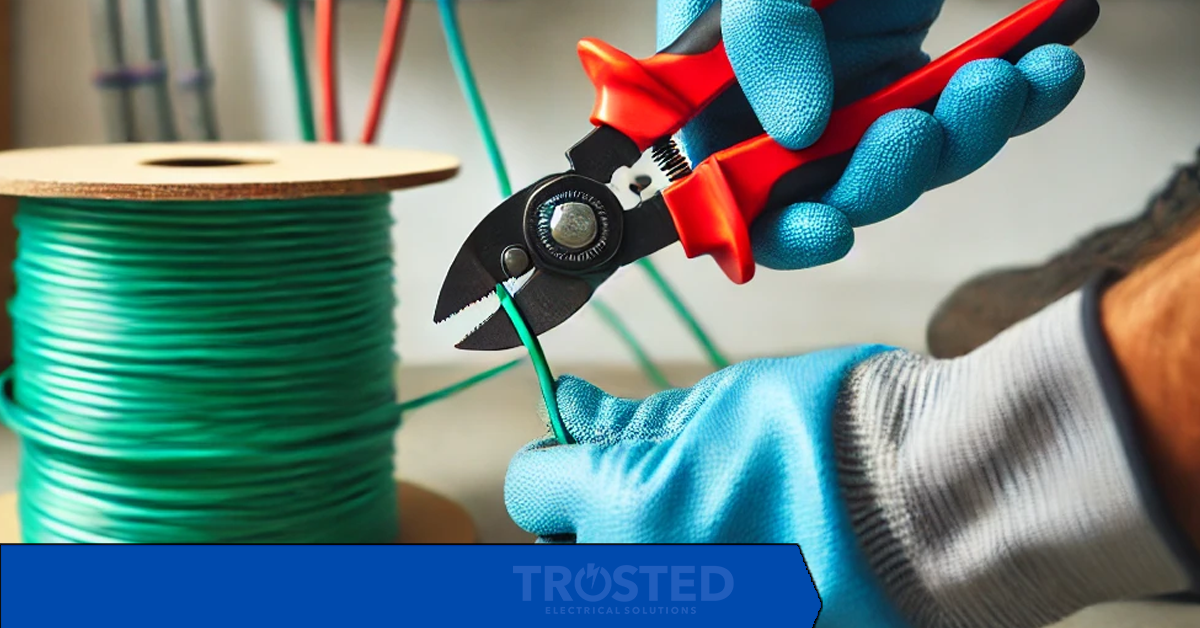
The best way to troubleshoot surge protection is to replay the last storm night and find the exact minute something failed. Surges rarely announce themselves clearly — a flickering light here, a dead device there — but replayed in order, the clues line up. Here is the replay, minute by minute.
Minute zero: the storm arrives
Lightning does not need to hit your house to damage it. A strike on a nearby line, or a utility switching event during a storm, can send a voltage spike through the service entrance and into every circuit. In a city with frequent thunderstorms, this is a seasonal certainty, not a freak event — which is why surge protection is a system, not a single device.
Minute one: the whole-house protector takes the first hit
A whole-house surge protector, installed at the panel, is designed to absorb the largest part of a surge before it reaches your circuits. If your home does not have one, every plug-in protector in the house is taking a hit it was not designed for. If you do have one, check its indicator light after every major storm: a dark light means it did its job and is now spent, and it needs replacing before the next storm, not after.
Minute two: the plug-in protectors take the rest
Point-of-use protectors guard individual devices — the television, the computer, the router. They are the second layer, not the first, and they have limits: a joule rating that wears down with each surge, and a lifespan of roughly three to five years. A protector that survived several storm seasons may offer no protection at all while its outlets still work perfectly. The indicator light is the only honest witness.
Minute three: the symptoms appear
Flickering lights during storms, outlets that look burnt or discolored, breakers that trip repeatedly in bad weather, and electronics that behave strangely afterward are all surge symptoms. Any one of them means the protection system needs inspection. Burnt outlets in particular mean stop using that outlet and call an electrician — discoloration is heat damage, and heat damage does not heal.
Minute four: the coastal factor
Humidity and salt air corrode protector contacts and panel components, quietly degrading protection between storms. A protector in a coastal home ages faster than the same protector inland, which is why regular inspection matters more here: check protectors for corrosion, test indicator lights, and replace units on schedule rather than waiting for a failure to announce itself.
Minute five: the fix, in order
First, replace any protector with a dead indicator light or visible damage. Second, if the home has no whole-house protection, have a licensed electrician install it — it is the single highest-value surge purchase for a home in storm country. Third, check the panel and grounding, since surge protection only works if the grounding system it dumps excess voltage into is sound. Fourth, confirm the installation complies with Miami-Dade County codes, which govern surge protection in new and renovated work.
Quick FAQ
How do I know if my surge protector still works?
Check the indicator light. If it is on, protection is active; if it is off or flickering, the protection is spent even though the outlets may still deliver power. Replace it.
Is a power strip with surge protection enough on its own?
For one device, it helps. For a whole home, no — a plug-in protector cannot absorb what a whole-house unit can, and it leaves unprotected circuits exposed. Layered protection is the standard that works.
How often should surge protectors be replaced?
Every three to five years as a rule, and immediately after a major surge event, visible damage, or a dead indicator light. In a storm-prone coastal climate, err toward the shorter end of that range.
Ready to solve your electrical challenge? Call Trusted Electrical Solutions at 786-342-9582 or visit www.trustedelectricalsolutions.com to schedule your free inspection and quote today.
---
Leave a comment
Tag Group
Recent Posts

About Author


Our Trusted Electrical Solutions takes great pride in delivering the best electrical services to our customers. We strive to ensure that each customer is satisfied with their experience.
If you are looking for an electrician, we encourage you to give us a call.
We look forward to helping you with all your electrical needs.

Quick Links
Business Hours
Mon - Sunday
24 Hours
Copyright © Trusted Electrical Solutions · Admin Login