
Is It Time to Upgrade Your Home Automation System in Miami?
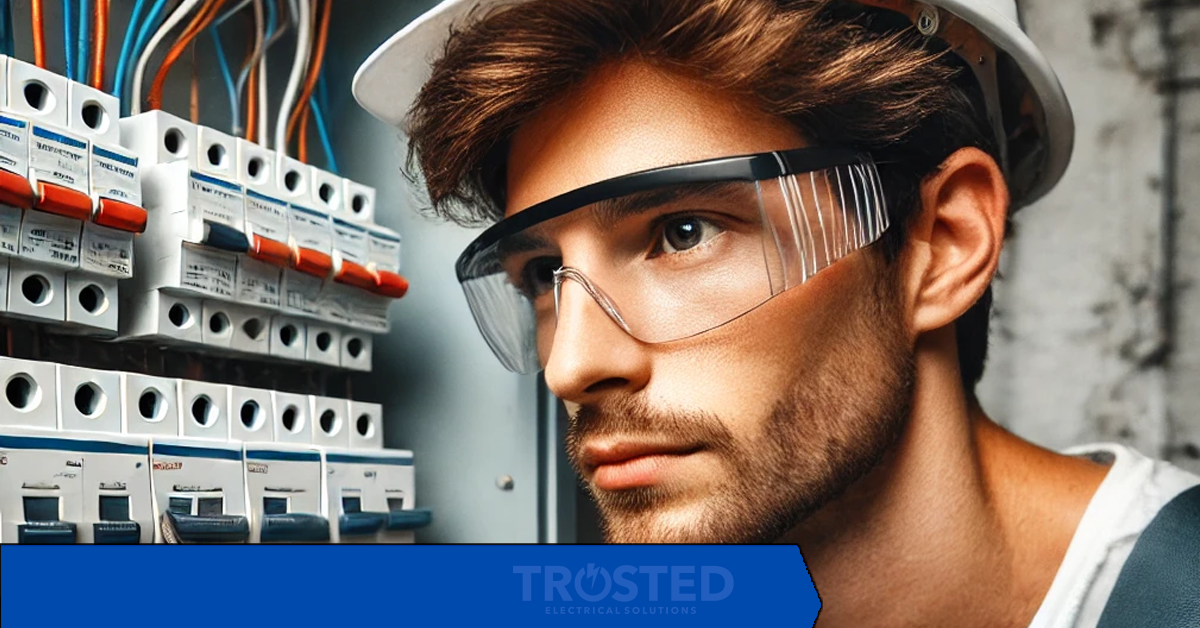
Upgrade your home automation system when it is over five years old, when devices keep dropping offline, or when new devices will not join the old platform — and sooner if security devices are the ones failing. A system that still runs your lights and locks reliably does not need replacing just because a newer model exists. Find your rung on the ladder below, and do only what that rung calls for.
Rung 1: under two years — fix, don't replace
A young system that glitches usually has a network problem, not a hardware problem. Check Wi-Fi coverage first: a weak signal at the far end of the house looks exactly like a broken device. Move the router, add an access point, or put the hub somewhere central before you buy anything. Most "my smart lock stopped working" complaints end here.
Rung 2: two to five years — integrate
This is the mixed-brand stage: a doorbell from one company, lights from another, a thermostat from a third, and none of them talking to each other. The fix is a single platform or hub that ties them together, not a wholesale replacement. Pick the platform first, then check each device against its compatibility list — one incompatible device is cheaper to swap than an entire system.
Rung 3: over five years — replace the core
After five years, security patches stop, apps stop updating, and new devices stop pairing. If your hub, panel, or main controller is in this age range, budget for a core replacement: new hub first, then replace devices only as they fail or refuse to pair. Replace in that order and you avoid paying twice.
Rung 4: any age — future-proof the wiring
Smart devices still need power and a solid network behind them. If you are opening walls for any other work, run extra network cable and add outlets where cameras, access points, or hubs will live. Wiring is the part of an upgrade that is cheap during a renovation and expensive afterward.
Miami's part in the story
Humidity and salt air age electronics faster here than they do inland, so a coastal home's devices may reach rung 3 sooner than the same gear would elsewhere. That is the one real local detail that matters: in a humid coastal climate, check outdoor-rated devices and their seals once a year, and expect shorter lifespans from gear mounted outside. Hardwired parts of any upgrade still fall under the Florida Building Code and Miami-Dade County amendments, so a licensed electrician should handle the panel and wiring side even when the setup itself is do-it-yourself.
Quick FAQ
Should I upgrade everything at once?
No. Replace the hub or controller first, then devices as needed. A staged upgrade spreads the cost and lets you confirm the new platform works before committing to it fully.
Do I need a permit to upgrade my smart home?
Battery-powered and plug-in devices need none. Hardwired work — new circuits, panel changes, or wired cameras tied into the electrical system — can require a permit, so check before the work starts.
What is the first sign an upgrade is overdue?
Security devices failing: a camera that will not stay connected or a lock that will not respond. Comfort devices can wait; security devices cannot.
Ready to solve your electrical challenge? Call Trusted Electrical Solutions at 786-342-9582 or visit www.trustedelectricalsolutions.com to schedule your free inspection and quote today.
---
Leave a comment
Tag Group
Recent Posts

About Author


Our Trusted Electrical Solutions takes great pride in delivering the best electrical services to our customers. We strive to ensure that each customer is satisfied with their experience.
If you are looking for an electrician, we encourage you to give us a call.
We look forward to helping you with all your electrical needs.

Quick Links
Business Hours
Mon - Sunday
24 Hours
Copyright © Trusted Electrical Solutions · Admin Login