
Blog

The Importance of Regular Circuit Breaker Maintenance
28 Jul, 2025
758
Info
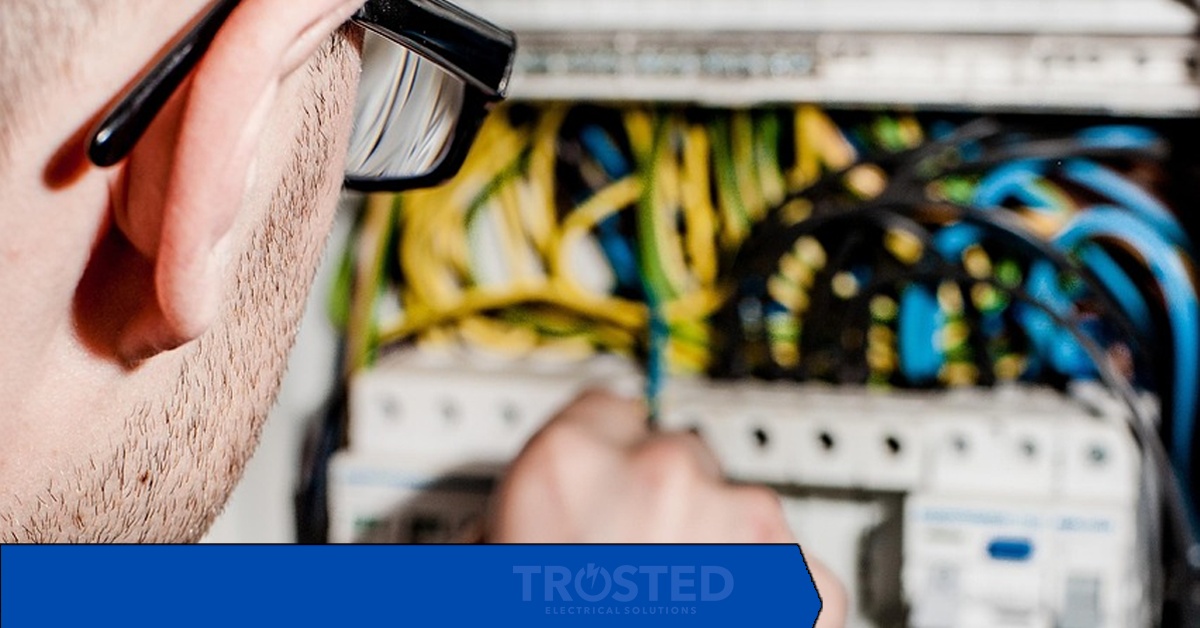
Pop the cover off a breaker panel and you're looking under the hood of your home's electrical system. Here's what an electrician checks, point by point — and what each finding means.
What we see first: dust and debris
Panels collect dust, and in garages or laundry rooms, lint and moisture too. It sounds harmless, but buildup traps heat and gives corrosion a place to start. Cleaning it out is step one of every maintenance visit.
What we check next: the contacts
Breaker contacts corrode and wear over time. A corroded contact runs hot, and a worn one may not trip when it's supposed to — which means the one device standing between you and an overload might not do its job. Testing trip function catches the weak ones before they matter.
What we tighten: every terminal screw
Vibration and heating-cooling cycles loosen terminal screws year after year. A loose connection arcs, and arcing starts fires. Tightening every lug is unglamorous and absolutely essential.
What we flag: the outdated brands
Zinsco and Federal Pacific panels have documented failure histories — their breakers can fail to trip on overload. Finding one of these is an automatic recommendation for replacement, not repair.
What we measure: the load
Overloaded circuits that never got caught, double-tapped breakers, breakers that run warm — the panel tells the story of everything the house asks it to do. If the story doesn't match what the panel was built for, it's upgrade time.
How often does the hood need opening?
Residential panels: every 3 to 5 years. Commercial buildings and rentals: annually, or with each tenant turnover. And always after major electrical work or a big storm. A standard maintenance visit covers the full tour above — inspection, trip testing, tightening, cleaning, and an honest recommendation if replacement makes more sense.
A little maintenance now beats a panel fire later. Trusted Electrical Solutions performs breaker inspections and maintenance across Miami-Dade — call 786-342-9582 or visit www.trustedelectricalsolutions.com to schedule yours.
---
 Jose Luis Rey

How to Test Your Home's Electrical System: A Safety Guide for Miami Homeowners
29 Jun, 2025
820
Info
If your electrical system got a report card, what would it say? Walk through these five subjects honestly — most homes earn a mix of A's and "needs improvement," and knowing which is which is the whole point.
Subject: Breaker panel — check for tripped breakers
The test: Open the panel and look for any switch sitting between ON and OFF.
Teacher's comment: A single tripped breaker is a C — flip it fully OFF, then back ON, and note which one it was. The same breaker tripping repeatedly is an F: it means an overloaded circuit or faulty wiring, and it needs a professional, not a reset.
Subject: Outlets — test with a receptacle tester
The test: A plug-in receptacle tester from the hardware store reads wiring faults from its LED pattern — open ground, reverse polarity, open neutral or hot.
Teacher's comment: Faulty outlets damage electronics and create shock risk, especially in older homes. Any outlet that fails the tester earns an F until it's repaired.
Subject: GFCI protection — kitchens, baths, outdoors
The test: Press TEST on every GFCI outlet — you should hear a click and lose power. Press RESET to restore it.
Teacher's comment: GFCIs are required anywhere near water. If TEST does nothing, the outlet is faulty or miswired — an automatic F, and a safety priority.
Subject: Warning signs — the pop quiz
The test: Buzzing from outlets or switches? Burning smells? Flickering or dimming lights? Outlets that are hot or discolored?
Teacher's comment: Any "yes" here is an F, no partial credit. Don't investigate these yourself — call a licensed electrician immediately.
Subject: Voltage — advanced placement only
The test: A digital multimeter should read about 120 volts at a standard outlet.
Teacher's comment: This one's honors-level. Incorrect meter use can shock you, so if you aren't experienced, skip it and let a pro take this test for you.
When to call in the tutor
Circuit overloads, old cloth wiring, panel upgrades, rewiring, and EV charger installs are professional-only subjects. A full inspection keeps the whole report card at honor-roll level — safe, efficient, and code-compliant.
Want a professional to grade your system? Trusted Electrical Solutions inspects home electrical systems across Miami-Dade and fixes whatever's failing — call 786-342-9582 or visit www.trustedelectricalsolutions.com to schedule an inspection.
---
Jose Luis Rey

The Role of Insulation in Reducing Electrical Costs
22 Jun, 2025
669
Info
Borrow a thermal camera for one August afternoon and your house will tell you exactly where your electricity money is going. Hot spots glow red; cool, well-sealed areas stay blue. Here's what the camera shows in a typical South Florida home.
Stop 1: The attic — glowing red
The attic is almost always the brightest thing on the screen. Heat pours through an under-insulated roof all day, and your air conditioner pays for it hour after hour. In this climate, the attic is the single biggest source of heat gain — and the single best insulation investment.
Stop 2: The exterior walls — striped orange
Walls show warm stripes where insulation is thin or missing entirely. Cool air slips out through them while heat pushes in, so the AC cycles more often and runs longer each time.
Stop 3: The ductwork — a red river
Uninsulated ducts running through a hot attic or garage leak your paid-for cold air before it ever reaches a vent. On camera it looks like a glowing river — and every degree lost is electricity you bought and never used.
Stop 4: Around outlets and switches — blue pinpricks
Small blue dots on exterior walls mark the air leaking through outlet and switch boxes. Each one is tiny; together across a whole house, they add up to a real draft your AC has to fight.
What the camera can't show — the electrical half of the fix
Insulation handles the heat, but pairing it with smart electrical upgrades multiplies the savings: a smart thermostat that stops cooling an empty house, LED lighting that produces a fraction of the heat of old bulbs, and energy-efficient ceiling fans that let you raise the thermostat a few degrees without noticing. A professional energy audit ties both halves together — it shows where your home leaks air and where it wastes electricity.
Want to see what your house is really costing you? Trusted Electrical Solutions pairs insulation guidance with the electrical upgrades that make it pay off — call 786-342-9582 or visit www.trustedelectricalsolutions.com for an energy-saving consultation.
---
Jose Luis Rey
How to Identify Energy Vampires in Your Home
17 Jun, 2025
824
Info
Some devices steal your electricity while you sleep — and they all swear they're innocent. We lined up the five worst offenders. Read their alibis, weigh the evidence, and deliver the verdict yourself.
Suspect #1: The cable box and streaming stick
The alibi: "I was off all night — the TV was dark!"
The evidence: A glowing LED, a box that's warm to the touch at 3 AM. Cable boxes and streaming devices stay half-awake to download updates and listen for the remote.
The verdict: Guilty. Plug the TV setup into a smart power strip that cuts power to everything when the TV turns off.
Suspect #2: The phone charger with no phone attached
The alibi: "There's nothing even plugged into me."
The evidence: The little brick is warm. Transformers keep drawing power as long as they're connected to the outlet — phone or no phone.
The verdict: Guilty, but a petty thief. Still: unplug chargers when they're not charging, or corral them onto one strip you switch off.
Suspect #3: The "sleeping" desktop computer
The alibi: "I was in sleep mode. That's basically off."
The evidence: Sleep is not off. Fans, USB ports, and network cards stay live so the machine can wake on command — and a desktop with a monitor draws far more in standby than a laptop does.
The verdict: Guilty. Enable real hibernation or shut down overnight instead of sleeping.
Suspect #4: The microwave's clock
The alibi: "I'm just telling the time."
The evidence: That clock never sleeps, and older microwaves and coffee makers draw several watts around the clock just to keep a display lit.
The verdict: Guilty of death by a thousand cuts. If you don't need the clock, unplug small appliances between uses — the clock on your phone works fine.
Suspect #5: The router and smart speaker
The alibi: "I have to stay on — the whole house needs me."
The evidence: True — mostly. Routers and voice assistants draw continuously to stay connected, and you can't unplug the Wi-Fi without consequences.
The verdict: Acquitted with conditions. You need them on, but check app settings for power-saving modes and retire old routers — newer models do the same job on less power.
How to run your own sting operation
Touch the plug or brick of any suspect — warmth means it's feeding. For hard numbers, a plug-in energy meter (like a Kill-A-Watt) shows exactly what each device draws when "off." And if your bill still won't budge, a professional energy audit finds the waste hiding in your walls and panel, not just your outlets.
Ready to catch every vampire in the house? Trusted Electrical Solutions runs home energy audits and installs the smart strips, timers, and efficient upgrades that starve them out — call 786-342-9582 or visit www.trustedelectricalsolutions.com to schedule one.
---
Jose Luis Rey

Power Strips vs. Smart Plugs: Which is Better for Energy Savings?
11 Jun, 2025
872
Info
Two small devices, one shared promise: stop paying for electricity you're not using. They take very different approaches, so let's score them head to head across five categories.
Category 1: Price
Power strips win. They're cheap, widely available, and a basic model with a manual switch costs less than lunch. Smart plugs cost several times more per outlet and need Wi-Fi plus app setup.
Category 2: Convenience
Smart plugs win. Remote control from your phone, schedules that run themselves, voice control — and some models track energy usage in real time. A power strip's entire automation strategy is you remembering to flip the switch.
Category 3: Phantom-load killing
Smart plugs win. Idle electronics — TVs, chargers, consoles sipping power while "off" — account for roughly 5–10% of a typical electric bill. Smart plugs cut that drain automatically on a schedule; a power strip only does it if you switch it off every time. Be honest about which one you'll actually do.
Category 4: Best-fit scenarios
Split decision. Smart plugs shine on individual devices with patterns: lamps, fans, aquariums, the AC in the room you use evenings only. Power strips shine where many devices cluster in one place: entertainment centers, kitchen counters, computer workstations — one switch, everything dark.
Category 5: Storm protection
Slight edge to power strips — but only the surge-protected kind. Florida's storm season sends surges through the grid regularly, and a quality surge strip (or a smart plug with built-in surge protection) stands between that spike and your electronics. A bargain strip with no surge rating protects nothing.
The verdict
For pure energy savings, smart plugs win — automation beats good intentions. But the humble power strip with a manual switch remains a perfectly good answer for clustered setups, and it's the cheapest first step you can take today. The serious move: pair either one with a home energy audit to find where your biggest waste actually is.
Want help choosing and installing the right setup — smart plugs, surge-protected strips, or a full audit? Trusted Electrical Solutions advises homes and businesses across Miami-Dade: call 786-342-9582 or visit www.trustedelectricalsolutions.com to get started.
Jose Luis Rey
Tag Group
Recent Posts

About Author
Our Trusted Electrical Solutions takes great pride in delivering the best electrical services to our customers. We strive to ensure that each customer is satisfied with their experience.
If you are looking for an electrician, we encourage you to give us a call.
We look forward to helping you with all your electrical needs.

Quick Links
Business Hours
Mon - Sunday
24 Hours
Copyright © Trusted Electrical Solutions · Admin Login
Request a service